

Wrapped
WhatsApp Wrapped: your chat stats, turned into a book
WhatsApp Wrapped is the story of your conversation in numbers: who texts more, your most used word and emoji, when you talk, your very first message and how many “I love you”s you’ve sent. Make yours here for free with your own chat, in a minute.
Upload the file WhatsApp gives you when you export a chat and see it as a book you flip page by page, ready to share on Instagram or TikTok. Everything is calculated on your phone: your chat is never uploaded anywhere.
Make your WhatsApp Wrapped for free
Choose the chat file (the .zip as it is, or the .txt) or try our example chat first. Your book opens in a few seconds.
How to export your WhatsApp chat for your Wrapped
Pick your device: we’ve highlighted the one you’re using. You can only export from your phone (WhatsApp Web and the desktop app don’t have this option).
- Open the chat or group you want to analyse in WhatsApp.
- Tap the contact or group name at the very top.
- Scroll to the bottom and tap “Export Chat”.
- Choose “Attach Media” or “Without Media” (see both options).
- In the share menu, tap “Save to Files” and save it to “On My iPhone”.
- Come back to this page, tap “Choose the chat” and pick the .zip in Files.
- Open the chat or group you want to analyse in WhatsApp.
- Tap the three dots ⋮ at the top right, then “More” and “Export chat”.
- Choose “Include media” or “Without media” (see both options).
- Save it to Google Drive or to your phone’s Files app.
- Come back to this page, tap “Choose the chat” and select the file.
- Export the chat from your phone following the iPhone or Android steps.
- Move it to your computer: email it to yourself (on iPhone, with Mail Drop if it’s over 20 MB), upload it to Google Drive, or send it to your own WhatsApp chat if it’s under 2 GB and download it from WhatsApp Web.
- Drag the .zip onto the box above or click “Choose the chat”.
Prefer the full guide with screenshots? Here’s how to export a WhatsApp chat on Android and how to export it on iPhone.
The WhatsApp chat stats you’re going to discover
Everything the usual WhatsApp stats tools show you, plus a few things you’ll only find here.
Who texts more
Each person’s share of the messages. In groups, the full ranking of who talks the most.
Most used word and emoji
Your signature word (not counting “the”, “and” and friends) and each person’s favourite emoji.
Your hour and your day
The time you talk the most, your busiest day of the week and how much you chat after midnight.
Your first message
The line where it all began, with its date. The most emotional page in the book.
Your streak and record day
How many days in a row you’ve been talking, the day you sent the most messages and your longest silence.
Who replies faster
Each person’s average reply time and who usually texts first.
Your personalities
“Leaves you on read”, “3-minute voice notes”, “Good morning at 7:02”… everyone gets one, backed by a number.
Your chemistry score
A number from 1 to 100 that measures the balance, speed and consistency of your conversation.
Your chat in pages
How many pages your chat would fill if you printed it, and how much it would cost.
WhatsApp Wrapped for couples: your story in numbers
The couple’s Wrapped is the one people share most: the first message, who said “I love you” first, the day you couldn’t stop talking. They’re numbers, but they tell a story.
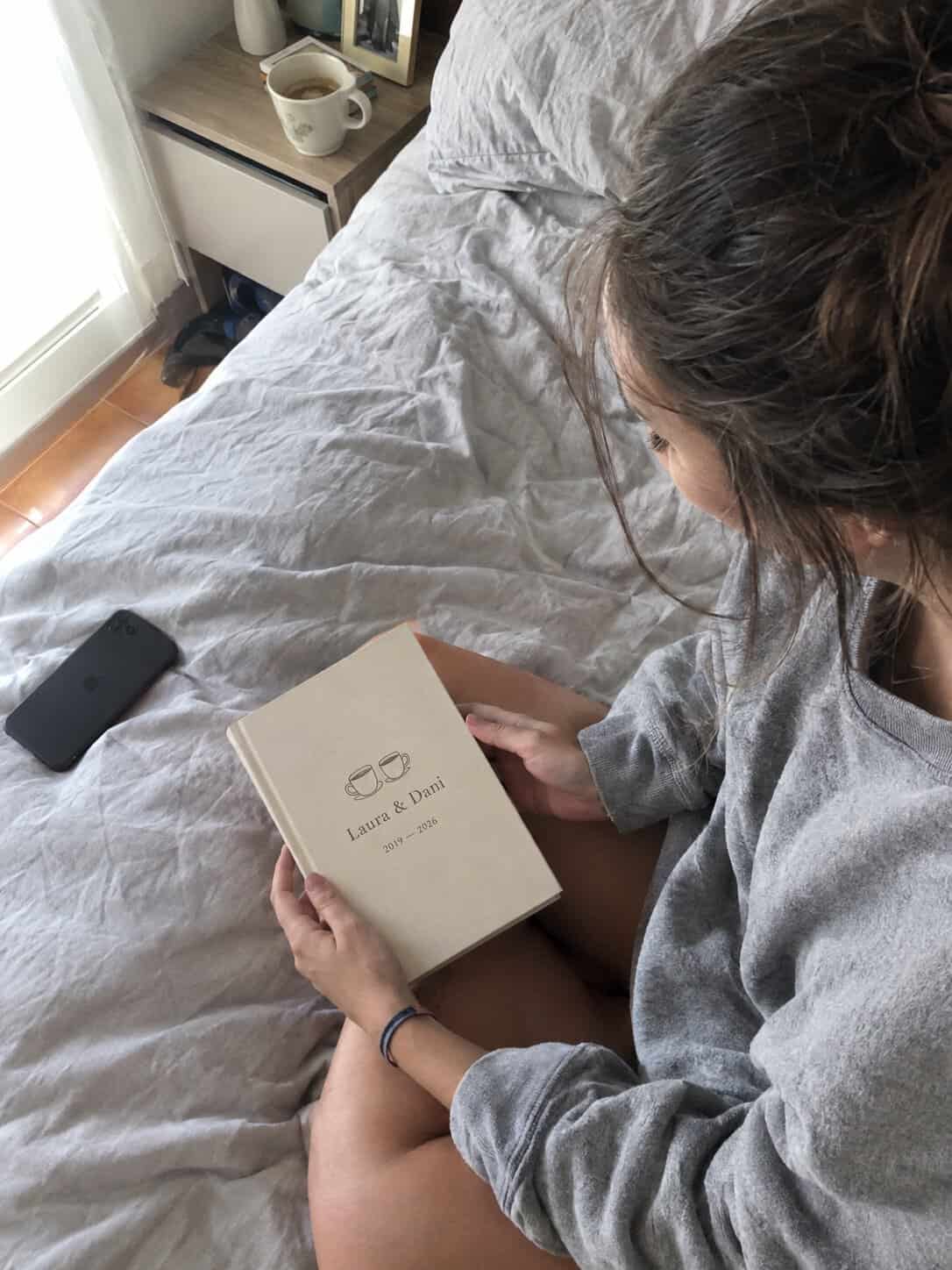
from Wrapped to paper
Your chat, turned into a real book
Stats get shared for a day. A book stays forever. With My Message Book you turn that same conversation into a printed book: bubbles like on your phone, photos, chapters by date and voice notes and videos as QR codes.
Your chat is already exported, so the next step is to upload it as it is and see every page before you pay. It makes a perfect anniversary gift or a present for your first Christmas together. Read our customers’ reviews on Trustpilot.
Is it safe to analyse your chat here?
- Everything is calculated in your browser. The file is never uploaded to a server.
- We store nothing: no messages, no names, no stats.
- Not even we can see it. Close the page and it’s gone.
- It works with huge chats without using your data: only the text inside the .zip is read.
How to share your WhatsApp Wrapped on Instagram and TikTok
- Open the book and go to the page you want to show.
- Tap “Share this page”: it creates a vertical image, perfect for stories.
- On your phone, choose Instagram, TikTok or WhatsApp. On a computer it downloads.
- Use #WhatsAppWrapped and tag @milibrodemensajes so we can see it.
Keep reading
- How many messages are in your WhatsApp chat
- How to convert a WhatsApp chat to PDF
- How to print a WhatsApp conversation
- How to recover a WhatsApp conversation
- Original anniversary gift: 10 ideas
- What to get your partner for your first Christmas together
Frequently asked questions
What is WhatsApp Wrapped?
It’s a summary of a WhatsApp chat’s statistics, in the style of Spotify Wrapped: how many messages you’ve sent, who texts more, your most used word and emoji, your favourite time of day, your first message and more.
Is it free?
Yes, it’s completely free and you don’t need to sign up. You only need to export the chat from WhatsApp.
Is my chat uploaded to a server?
No. The file is analysed in your own browser and never leaves your device. We don’t store messages, names or stats.
Does it work with group chats?
Yes. For groups you’ll see the ranking of who talks the most, each member’s personality and the stats for the whole group.
Why can’t it read my file?
Upload the full .zip created by “Export chat” or the .txt file inside it. If your browser is very old, update it. For very long chats, WhatsApp may only export the most recent messages.
Can I do it with Telegram or Instagram?
For now, Wrapped works with WhatsApp chats. To create a book, we also accept Telegram, Instagram and Messenger.
Your story in numbers is lovely. On paper, it’s even better.